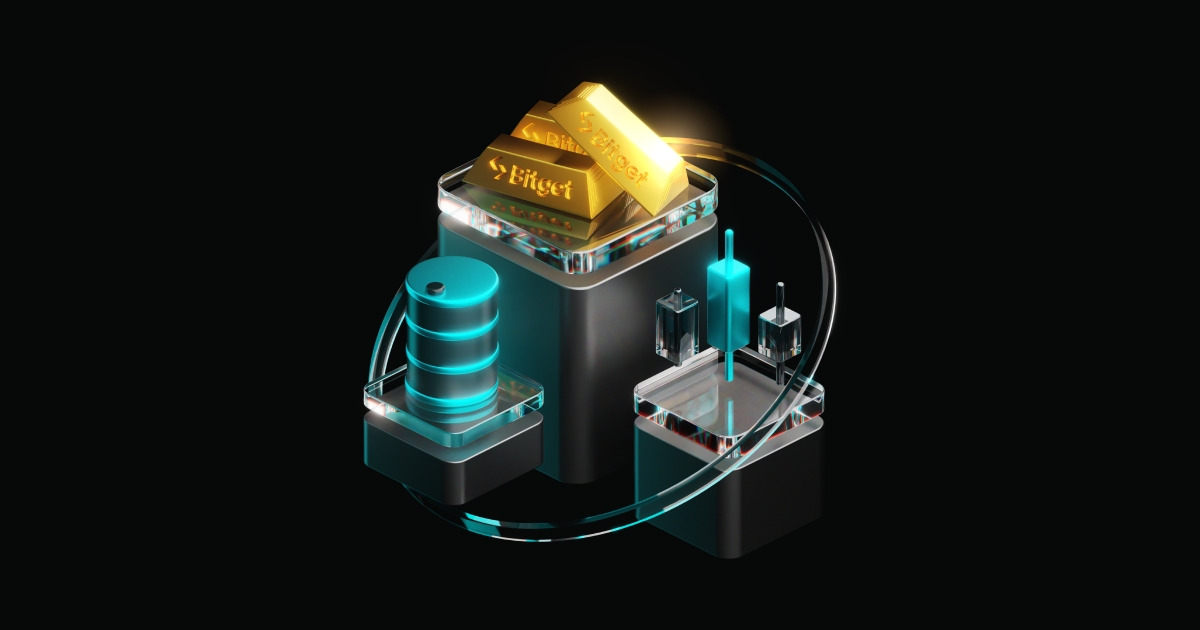
Bitget Onchain in South Africa: Early Tokens & Simple APR — All in the Bitget App

Why South Africans Choose Onchain
- Early access to emerging tokens
- APR opportunities in-app. No extra wallet or DeFi maze
- Multi-chain coverage: Solana, Base, BNB Chain
Prerequisites (South Africa)
1. KYC: How to Complete KYC in South Africa
2. Local rails: Deposit/Withdraw ZAR
3. Basics: How to Spot trade on Bitget
How to Access Bitget Onchain in South Africa
Step 1 — Open the Bitget AppSign in with your verified Bitget account.
|
|
|
|


Step 2 — Go to Onchain Navigate Markets → Onchain (or Trade → Onchain).
|
|
|


Step 3 — Exploring Early-Stage Tokens Use Hot Picks and New Picks. Apply filters for chain (e.g., Solana), volume, market cap, and holders.
|
|
|
|
|


Step 4 — Trade Directly Open a token page, review metrics, and trade from your Bitget account..
Tips for SA
- Build a watchlist for tokens you’re tracking
- Validate liquidity and recent volume trends
- Keep the app updated for the latest features
Keep Learning (South Africa)
Spot basics: Spot trade on Bitget
Advanced: RWA Futures trading
FAQs (South Africa)
Q1: Can I deposit ZAR directly? See our ZAR deposit/withdraw guide linked above.
Q2: Do I need an external wallet? No—Onchain works inside Bitget for simpler access.
Q3: What networks are supported? Common chains like Solana, Base, BNB Chain (and others progressively).
 2025-10-31
 Bitget Onchain for Ethiopia: Early-Stage Tokens & APR — No Extra Wallet
 Top Exchange Alternative for Russian and CIS Traders After Binance Exit TL;DR; - Binance exits the Russian 3363ee02-f74e-4d87-935f-885dc734e8b7 for compliance reasons and prompts users to move to a new and mysterious exchange called CommEX. - CommEX was launched one day before Binance’s announcement. It has limited offerings, security, and transparency. - Crypto users and investors in Russia and CIS should choose exchanges that have a great track record of secure, user-focused, transparency, and diverse lineups of services. Binance Exits Russian Market, Asking Use2023-10-07